
Eye breaks with a cat who does them with you.
Every 20 minutes of screen time, Blink Blink asks you to look far away and do a few full blinks. The cat looks where you should look and blinks when you should blink, so you just follow along.
Ready-made downloads aren't published yet. The install guide walks you through building it for Windows, Android or iPhone.
- Windows · Android · iOS
- No accounts, no tracking
- Waits out calls and fullscreen

Demo
See a whole day of breaks in 90 seconds
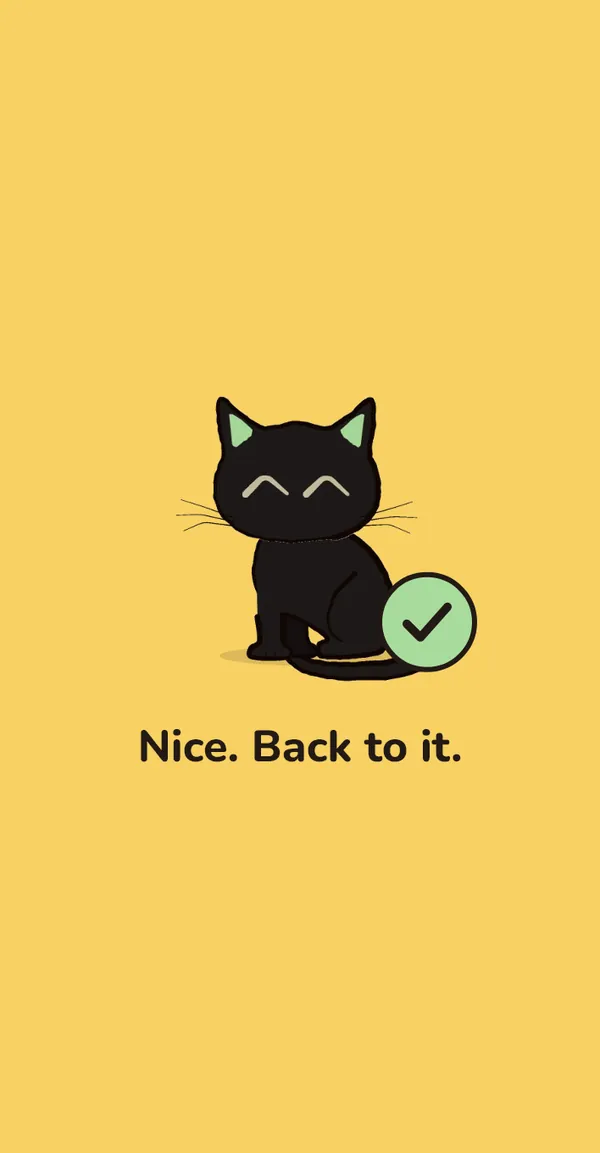
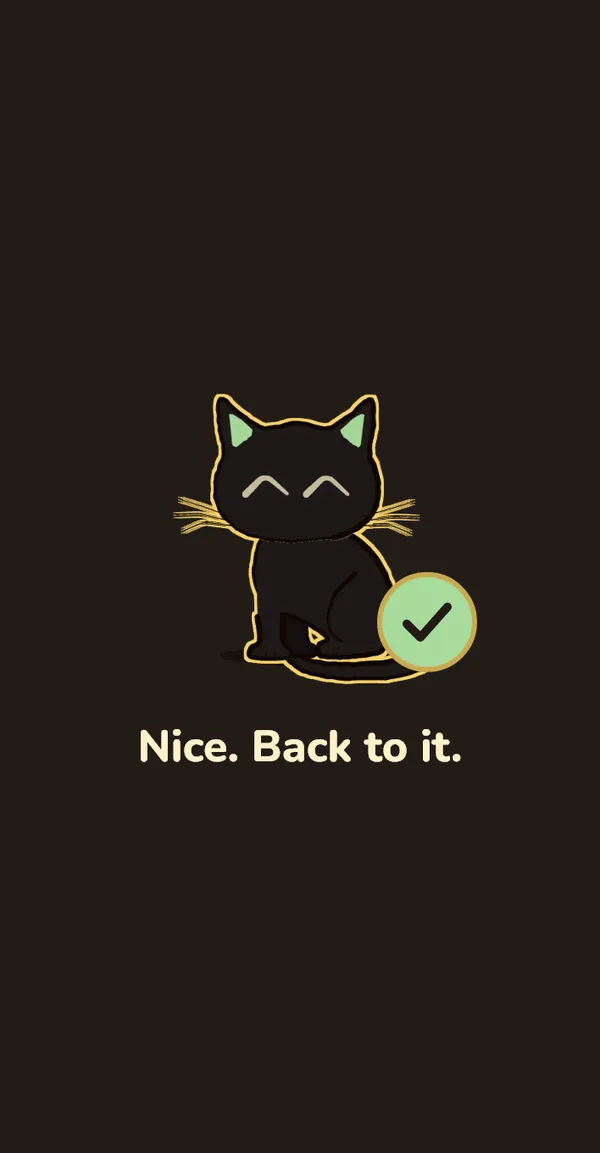
An eye break from the heads-up to "Nice. Back to it.", then a rest break on Windows and on a phone. Captions are on the video.
The problem
Long screen days are hard on your eyes
- On screens we blink less often, and the blinks we do are less complete.
- Your focus stays locked at arm's length for hours. It only relaxes when you look at something 6 m or more away.
- The 20-20-20 habit is easy to forget, and a reminder that pops up in the middle of a call is worse than none.
What Blink Blink does about it
It counts your screen time, not the clock. When a break is due, it tells you 10 seconds ahead, then gives you one calm full-screen break: one instruction at a time, one animation, one clear way out.
The intervals come from the research notes behind the app. Why these timings
Eye breaks · every 20 minutes
A 40-second break the cat does with you
40 seconds on a computer, 20 on a phone. Each break is one short routine, and the cat acts out every step.
A heads-up first
A small pill says "Eye break in 10 s". Busy? Postpone it 5 minutes. On phones the break comes straight in.
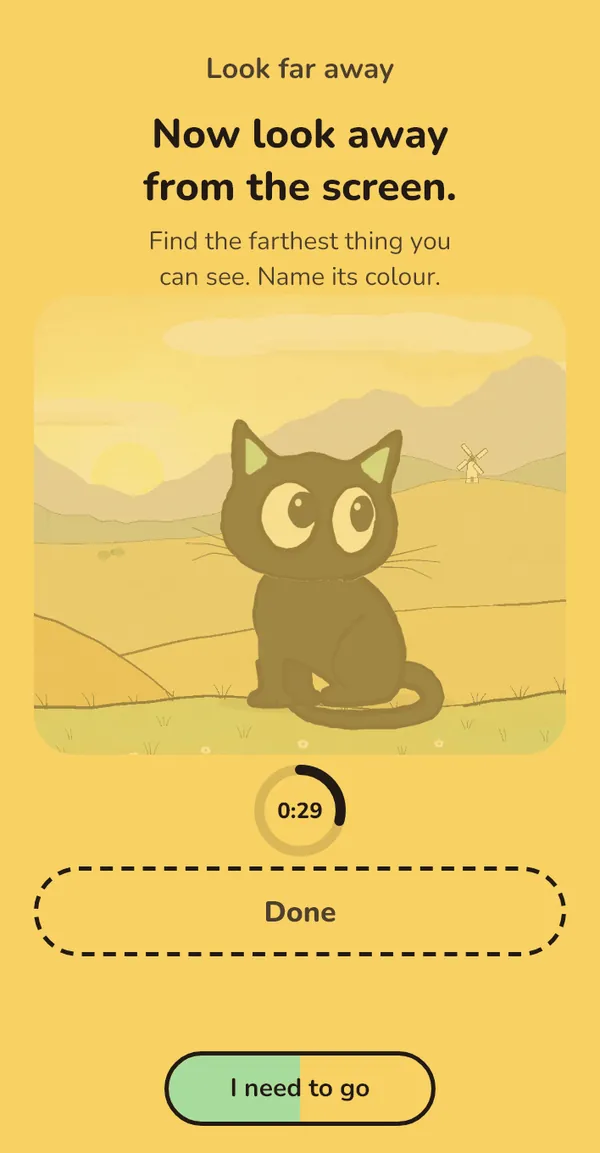
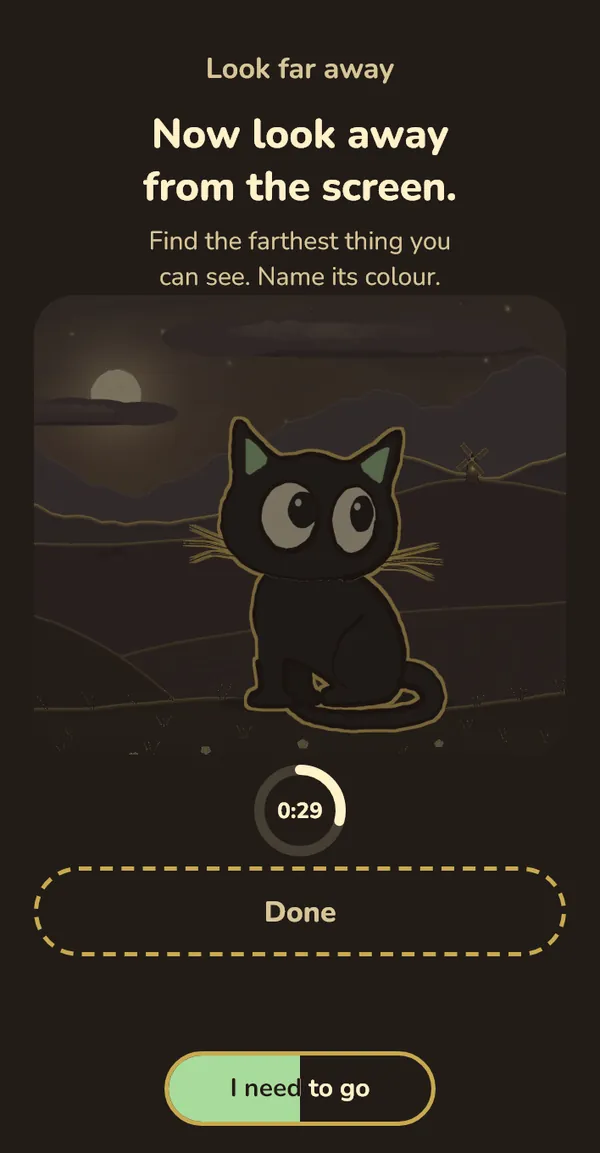
Look far away
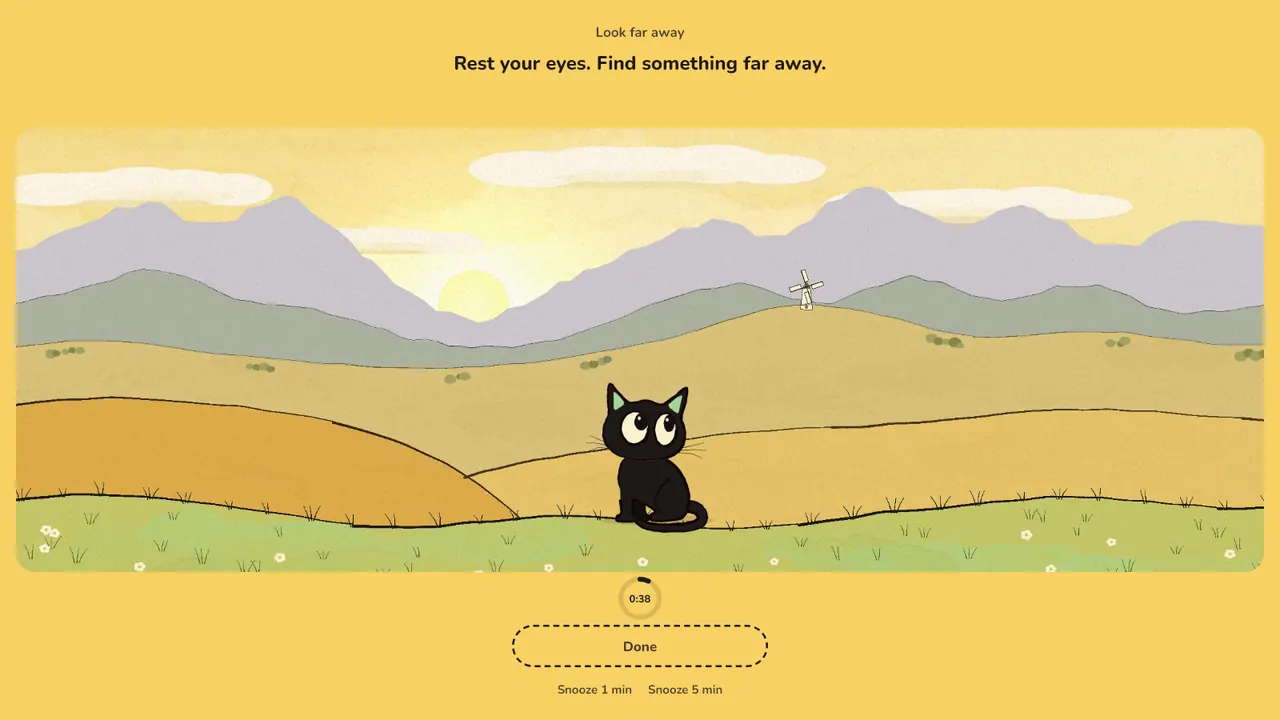
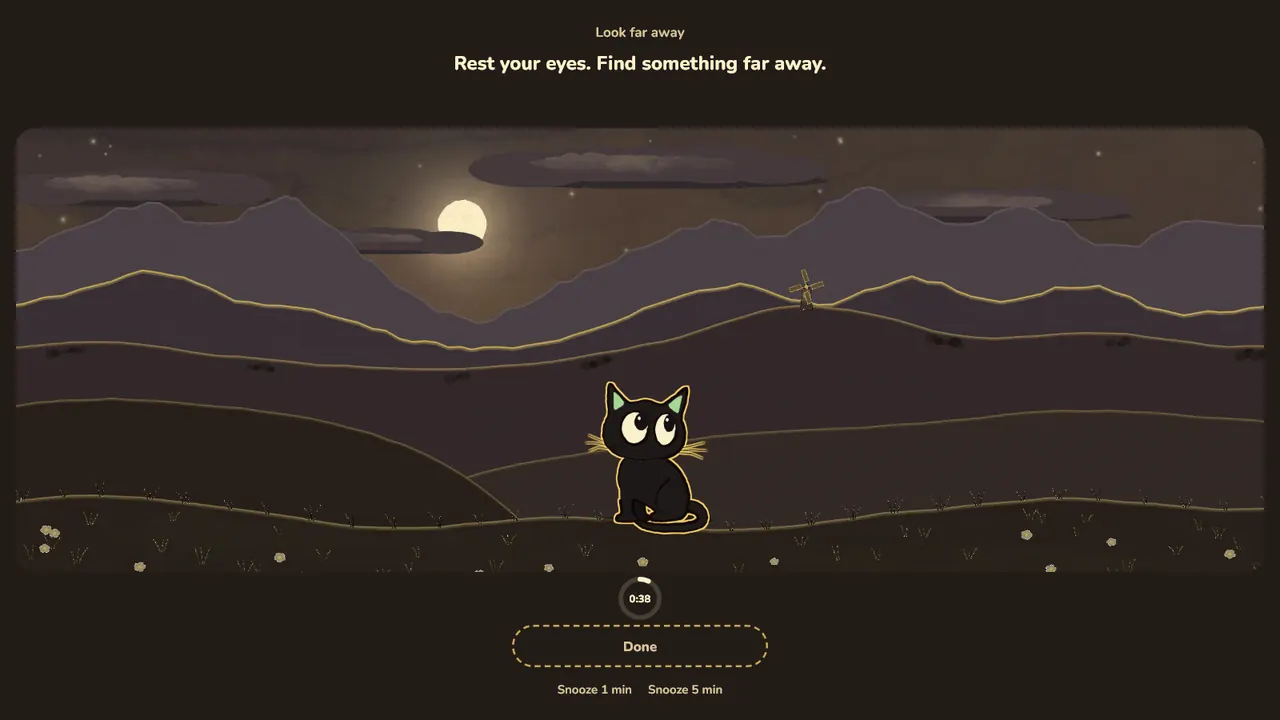
Find something 6 m or more away and let it sharpen. The cat gazes at a far tree with you.
Full blinks
Two full blinks. Close, a gentle squeeze, open. Or follow the dot left, right, up and down.
Follow by sound
Soft tones tell you when to close, open, look left or look far, so you can keep your eyes closed.
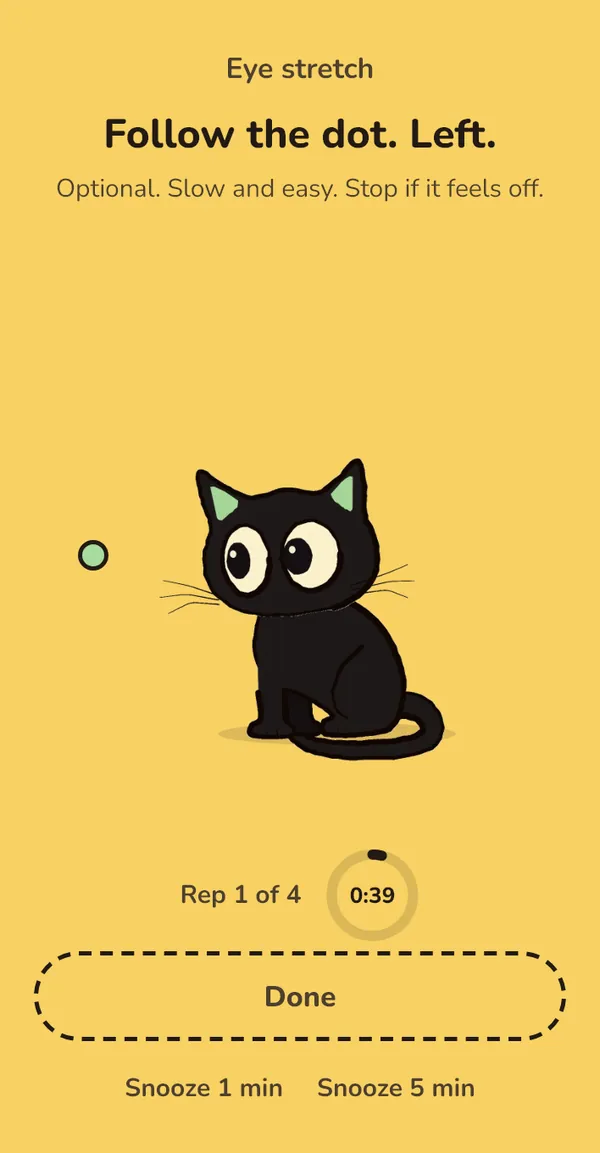
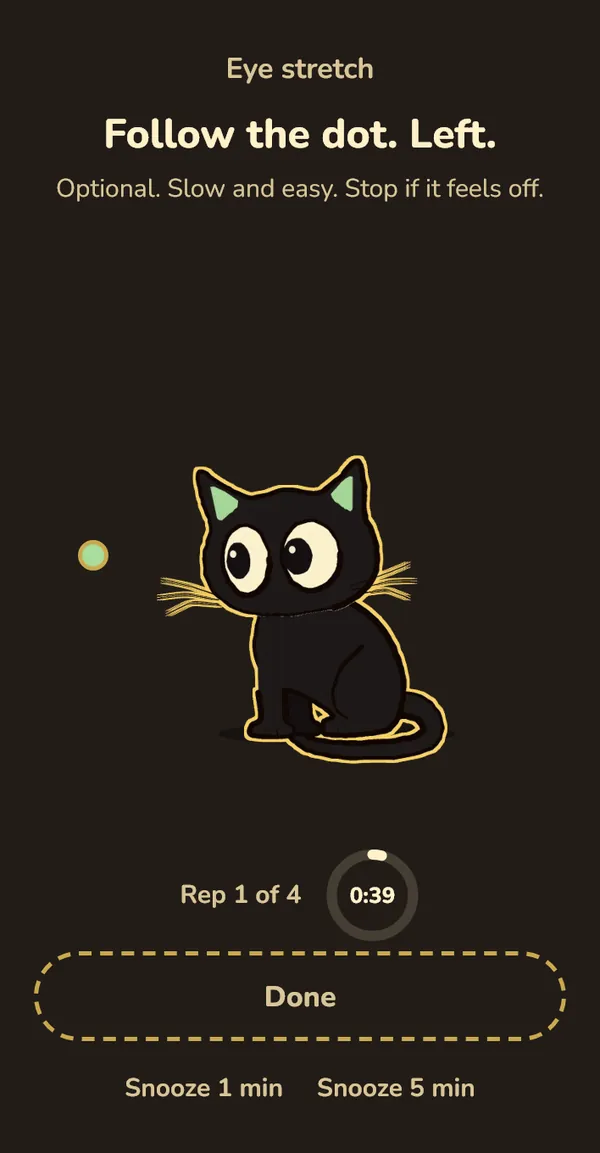
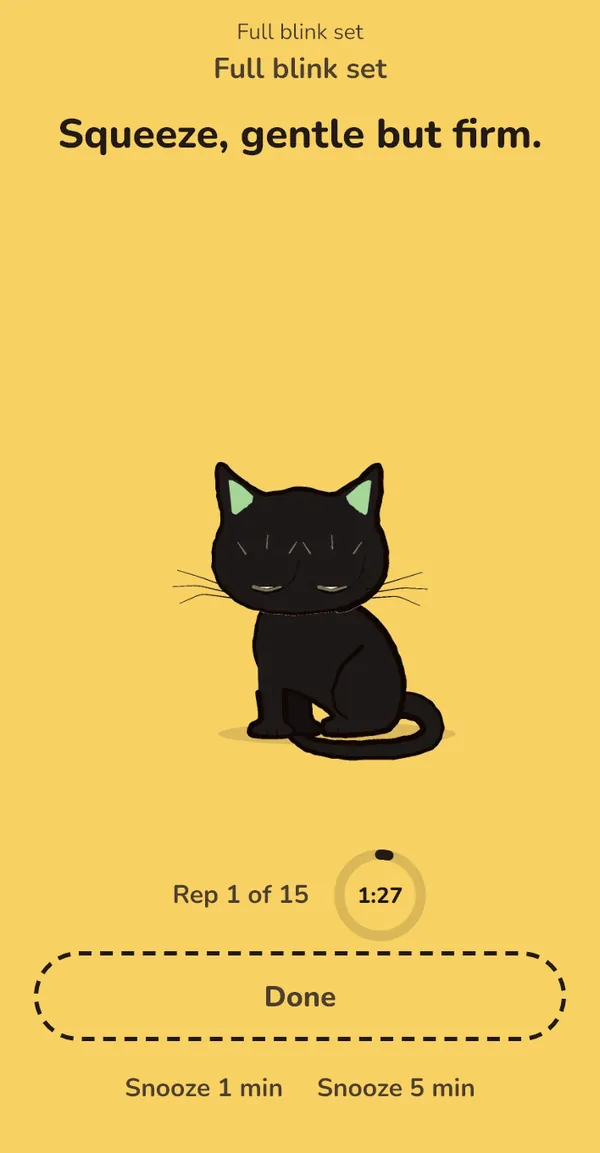
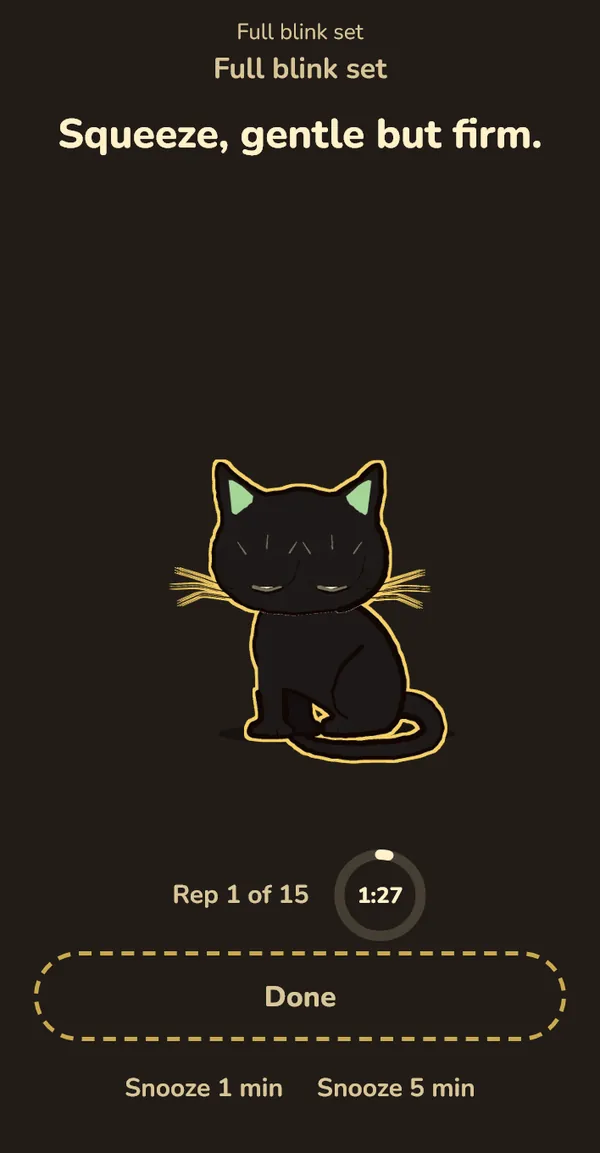
Three times a day there's also a 90-second full blink set. Turn off the squeeze step if you've had recent eye surgery or have glaucoma.
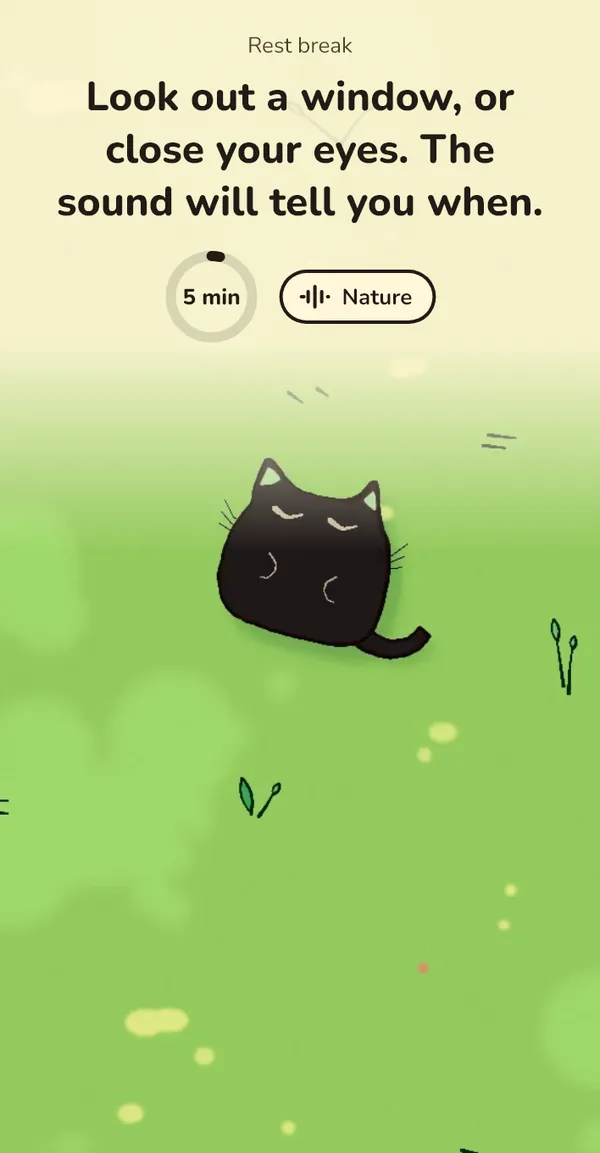
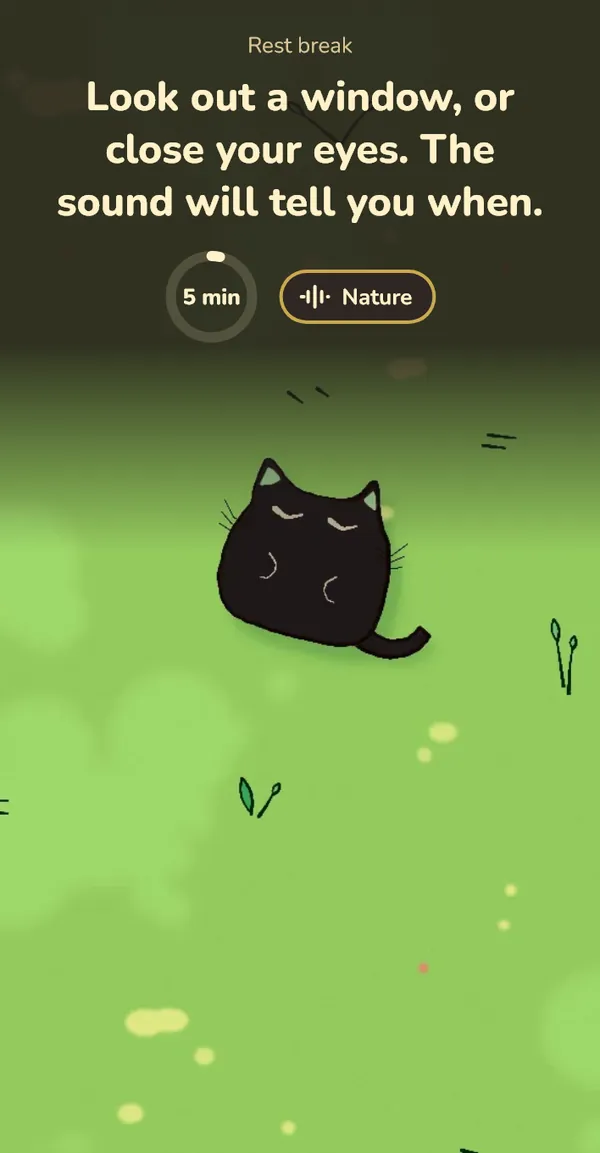
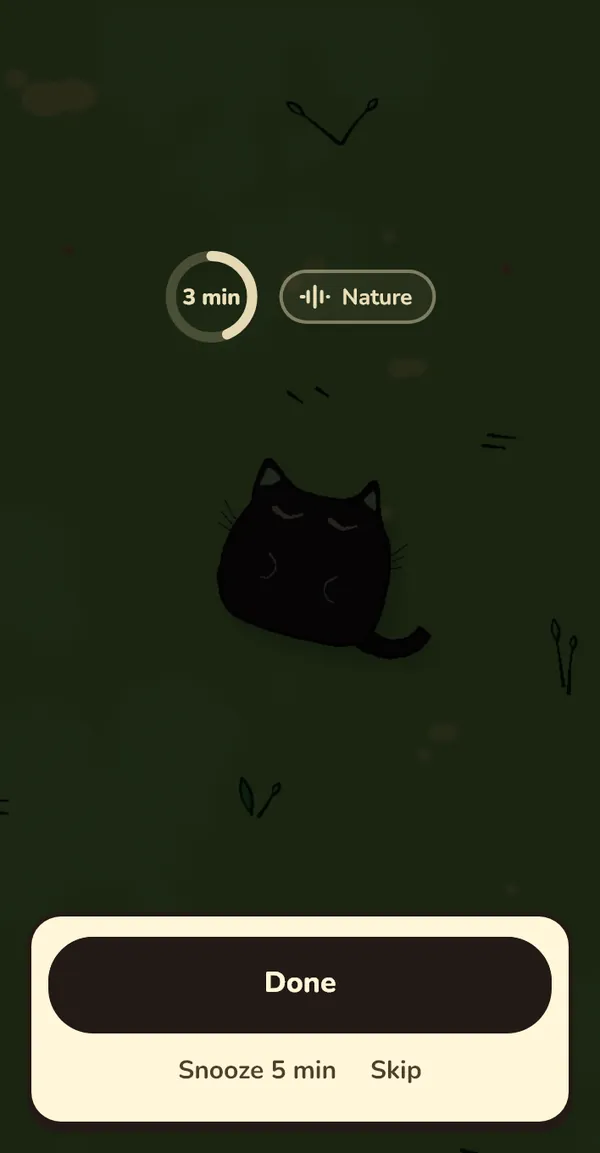
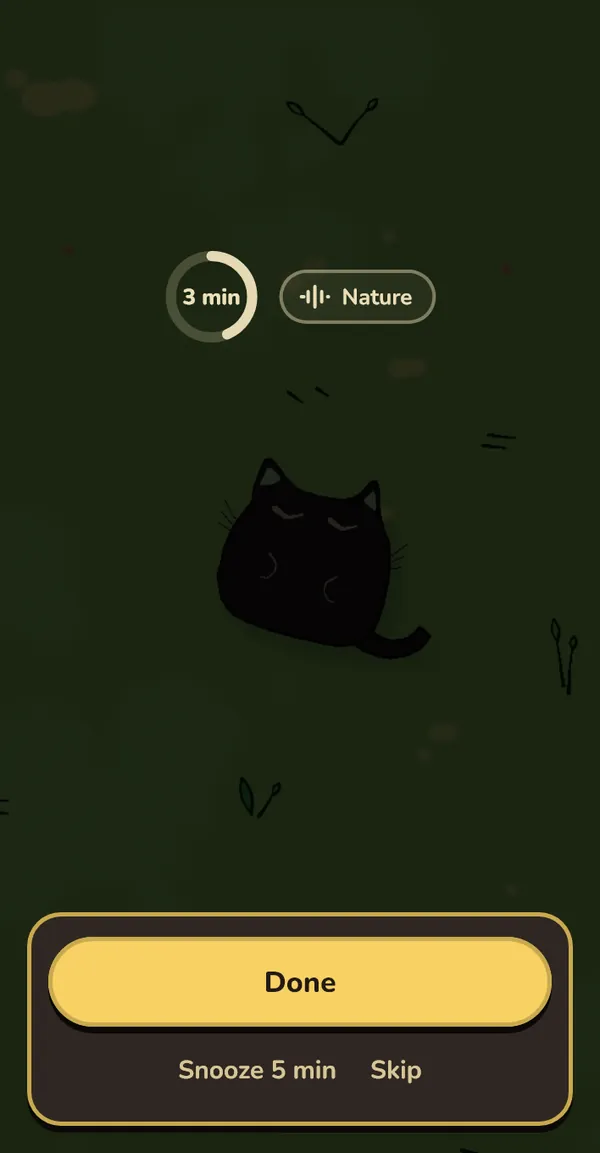
Rest breaks · every hour
Every hour, 5 minutes away from the screen
A painted scene with soft nature sound fills the screen for about 20 seconds. Then it dims to about 18 % so your eyes rest too. In the last 15 seconds it comes back up with a chime and "Nice. Back to it."
- Hourly rest: every 30 to 120 minutes, 3 to 10 minutes long. Default: every hour, 5 minutes.
- Longer rest on computers: every 90 to 240 minutes, 10 to 15 minutes long. Default: every 2 hours, 10 minutes.
- On phones: the scene plays for 20 seconds, then a dark screen says "Phone down. Close your eyes." with the sound. Or pick "Sound only" for the dark screen alone.
Prefer the eye routine or a plain timer? Each rest break can use one instead of the scene.
You decide
Choose how firm breaks are
Some people want a nudge. Some want a break they can't wriggle out of. Pick one in Settings and change it any time.
Balanced is the default on Windows, Gentle on phones. iOS uses Gentle for now.
Honest stats
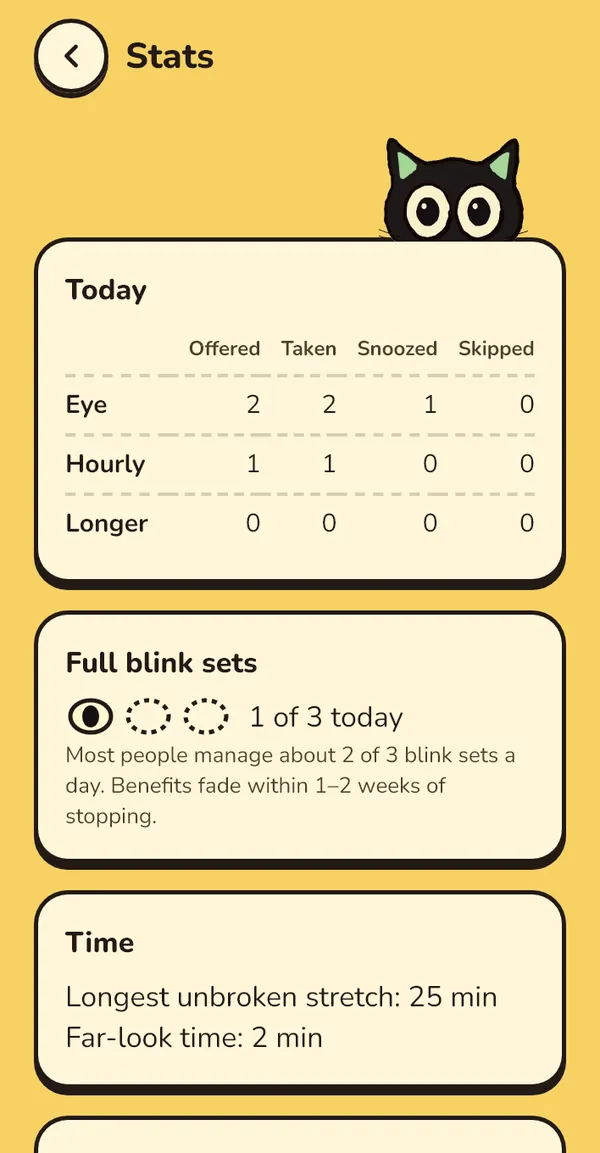
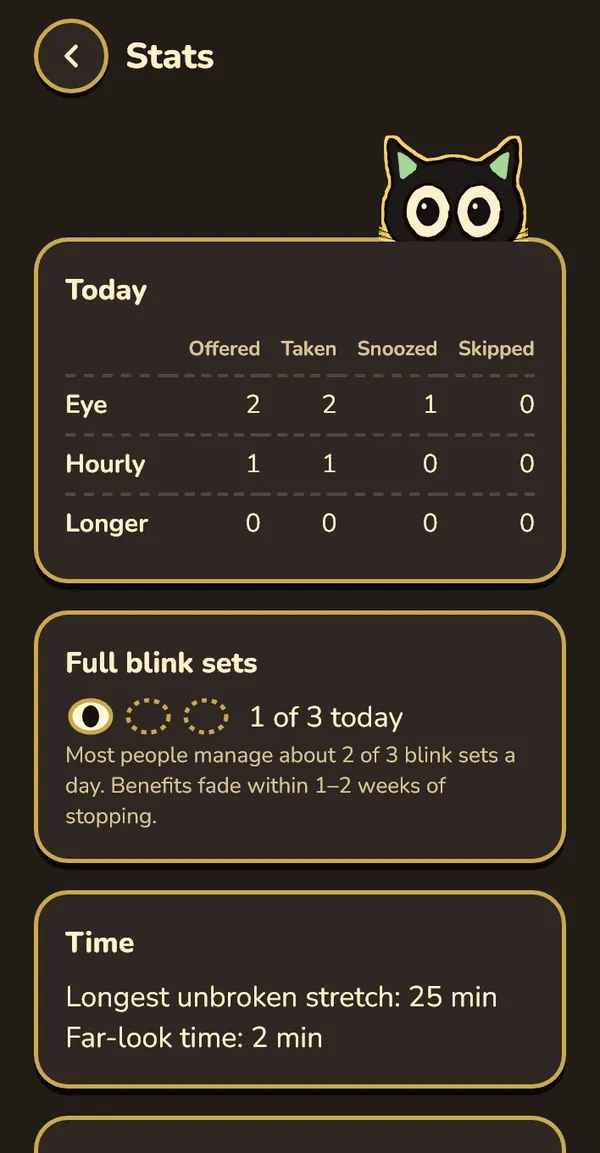
See the breaks you took. No streaks, no scores.
Stats shows what happened, and nothing to live up to.
| Today | Eye, hourly and longer breaks: offered, taken, snoozed, skipped |
|---|---|
| Full blink sets | How many of the 3 you did today |
| Time | Longest unbroken stretch, far-look time |
| Last 7 days | Breaks offered and taken, per day |
No blink counts either: the app doesn't use your camera.
Privacy
Everything stays on your device
No account
Nothing to sign up for. Install it and it starts counting.
No tracking
No analytics and no ads. Blink Blink has nothing to report to anyone.
Your history, your files
Settings and break history are small files on your device. One history file per month, the last 13 months kept.
Platforms
Windows, Android and iPhone
Windows Built and tested
Lives in the tray. Full-screen breaks, dimmed extra monitors, and it holds breaks during fullscreen apps, presentations and calls. Windows 10 and 11.
Windows guideAndroid Not yet device-tested
Counts screen-on time, or only the apps you pick. Breaks open over other apps and wait during calls. Android 8 or later, installed as an APK.
Android guideiPhone and iPad Not yet device-tested
Counts time in the apps you choose, using two Shortcuts automations per app. Needs a Mac to build and sideloading to install. iOS 17 or later.
iOS guideQuestions
Before you install
Will it interrupt my calls, games or presentations?
No. On Windows it holds a due break while a fullscreen app, a fullscreen game or video, presentation mode, or another app using your microphone or camera is active. The break comes 2 minutes after that ends. On Android it waits during calls, in landscape, and in apps you choose (maps, camera and the dialer to start with).
iOS can't detect any of these, so there it only counts time in the apps you set up.
What if I'm in the middle of typing?
On Windows the heads-up pill waits while you type, by up to a minute, and Postpone gives you 5 more minutes. You can also pause for 30 minutes, an hour, or until tomorrow from the tray.
Is it free?
There's nothing to buy and no subscription. Right now there are no ready-made downloads, so you build it yourself from the source code. The install guide covers each platform.
Does it track me?
No. There are no accounts, no analytics and no ads. Your settings and break history stay on your device. See exactly what's stored and where.
Is it a medical device? Will it fix my eyesight?
No. Blink Blink is a comfort tool, not a medical device. It doesn't diagnose or treat any condition, and it won't prevent or reverse short-sightedness or the need for glasses. The 20-20-20 rhythm is a habit cue, not a cure.
If you have eye pain, redness, sudden or ongoing blurry vision, flashes, or symptoms that don't improve, see an optometrist or ophthalmologist.
Can I do the breaks with my eyes closed?
Yes, on Windows. Each step has its own soft sound, so you know when to close, open, look left or right, look far and come back. "Hear the sounds" in Settings plays each one. On phones a soft buzz marks the end of a step.
Give your eyes a break every 20 minutes
Build it for Windows, Android or iPhone. The cat will take it from there.